Master Your Etsy Shop Aesthetics with 20 Planner Listings Mockups
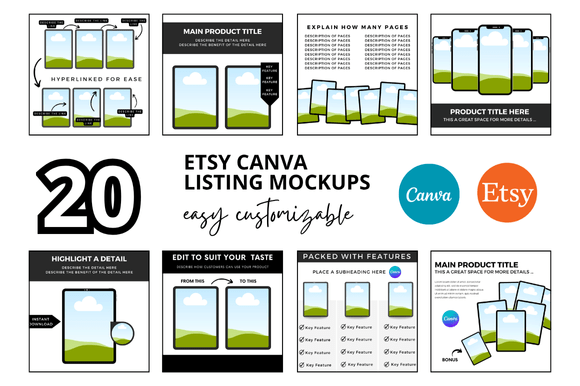
As a creative entrepreneur or designer, you know that the visual presentation of your digital products is just as crucial as the product itself. For those specializing in planners, journals, or organizational printables, standing out in a crowded marketplace requires a cohesive and professional look. The "20 Planner Etsy Listings Mockup" bundle is a comprehensive toolkit designed to solve the common challenge of creating consistent, high-quality shop imagery without spending hours on complex design software. This collection of customizable Canva templates provides a clean, professional framework that lets your products shine.
Understanding the Mockup Collection
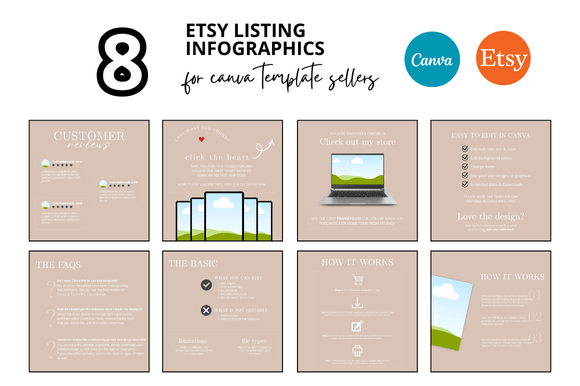
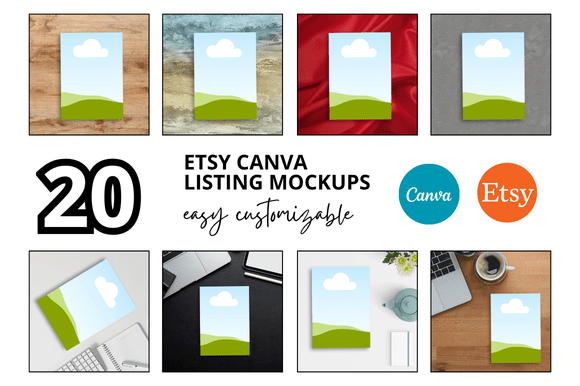
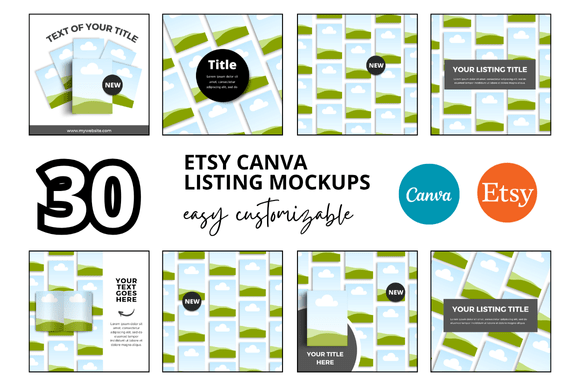
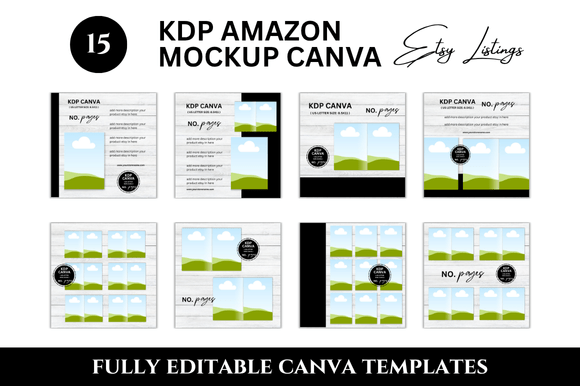
This bundle isn't just a single template; it's a curated set of 20 distinct listing mockups, each sized at 2000 x 2000 pixels, perfect for Etsy's square listing format. The visual style is intentionally minimalist and modern, featuring clean lines, ample white space, and a neutral color palette. This design philosophy ensures that your planner pages, covers, and interior layouts become the undeniable focus of each image. The mockups are built within Canva, a widely accessible design platform, meaning you can customize backgrounds, adjust shadows, add your own branding elements, and insert your product screenshots directly through a provided link. The overall appeal lies in its simplicity and professionalism—it removes the guesswork from creating marketing assets, giving your digital shop an immediate upgrade in credibility.
Where This Toolkit Excels
The primary strength of these Etsy Listings Mockups is in their direct application for digital product sellers. They are engineered for Etsy shop owners, but their utility extends further. They are ideal for creating:
- Consistent Shop Listings: The square format and cohesive design language ensure your entire product catalog looks unified, which is a key factor in building a recognizable brand identity.
- Social Media Graphics: The clean aesthetic translates beautifully to platforms like Instagram and Pinterest, allowing you to repurpose your product images for marketing without additional design work.
- Digital Product Presentations: If you sell on other platforms or use your planners as lead magnets, these mockups provide a polished way to present your work in emails, on blogs, or in client presentations.
For a planner seller, the style is particularly effective. It avoids the distraction of overly stylized or thematic backgrounds, letting the functional design of your planner take center stage. This approach aligns with modern typography and design trends that favor clarity and user experience, subtly communicating that your product is well-organized and high-quality.
The Impact on Perception and Engagement
Visual consistency directly influences how potential customers perceive your brand. When every listing in your shop uses these templates, it creates a seamless browsing experience. This professionalism builds trust and can increase the time a visitor spends in your shop, improving engagement metrics. The clean, uncluttered style enhances readability of your product images, ensuring that details like layout, typography, and page structure are clearly communicated. This level of clarity can positively impact conversion rates, as customers feel more confident in what they are purchasing.
From a design strategy perspective, using a unified set of mockups is a fundamental step in establishing a strong brand identity. It signals attention to detail and a commitment to quality, traits that resonate with discerning buyers of digital products. The templates act as a consistent frame for your work, much like a well-chosen serif or sans serif font provides structure to a piece of editorial design. It becomes part of your visual signature.
Practical Application and Guidance
Getting started is straightforward. After accessing the Canva link, you can immediately begin duplicating and editing the templates. Here’s how to approach it for the best results:
- Evaluate the Fit: Before diving in, take stock of your existing branding. Do the neutral tones of the mockups complement your planner's color scheme? If your products are vibrant, the clean background will make them pop. If your style is also minimalist, the synergy will be perfect.
- Customize Thoughtfully: Use the Canva editor to change the background color to a brand-adjacent hue if needed, but avoid overcrowding the space. The goal is to frame your product, not compete with it. Add your shop logo or a subtle water mark for brand recognition.
- Focus on Product Presentation: Use high-resolution screenshots or PDF exports of your planner pages. Ensure the mockup's "smart object" or image placeholder is filled with a crisp, well-cropped image of your product. Pay attention to how the mockup's natural shadows and lighting interact with your design.
- Test and Iterate: Create two or three variations for your most popular product to see which performs better on Etsy. Sometimes a slight change in background color or text overlay can significantly impact click-through rates.
This bundle functions as a valuable design asset, saving you the time and expense of commissioning custom mockups or struggling with advanced 3D software. It provides a professional foundation that you can build upon, allowing you to focus your energy on creating exceptional planner content. For the Etsy seller, the hobbyist venturing into commerce, or the small business owner streamlining their workflow, this collection offers a practical, efficient, and visually effective solution to a common challenge.